

Collaboration Tools
Email, documents, chat and meetings unified for seamless teamwork.
Empower your people with a secure, connected digital workplace. We set up the collaboration, productivity and device-management tools that let hybrid teams do their best work from any location.
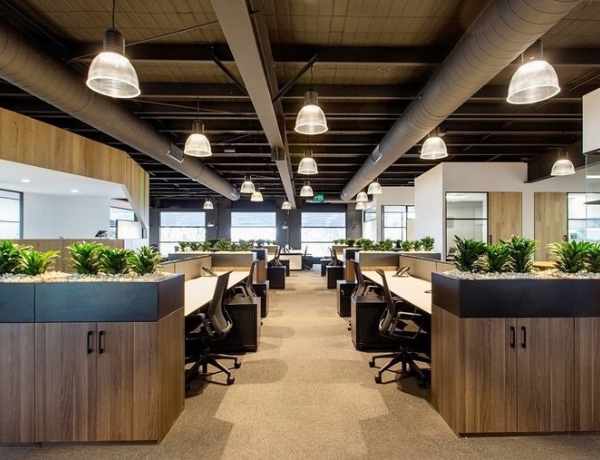
Flip the switch to see the difference Modern Workspace makes to everyday work.
Files live on personal laptops and in endless email attachments.
Shared, versioned documents that the whole team edits together.
Setting up a new joiner takes days of manual work.
New laptops arrive ready to use, with the right apps and access.
Staff juggle a different password for every tool.
One secure sign-in, with access removed instantly when someone leaves.
Take the whole service, or just the parts you need.
Email, documents, chat and meetings unified for seamless teamwork.
Provision, secure and manage every device from a single console.
Secure access to apps and files wherever your team is working.
Single sign-on and access controls that keep accounts safe.
Move mailboxes, files and calendars across with nothing lost along the way.
Friendly, responsive support for the everyday questions that slow people down.
Clear stages, visible progress and no surprises along the way.
We review your current tools, licences and devices and design the target workspace.
Tenant, security policies, shared drives and device profiles configured.
Email, files and calendars moved in the background, cut over in one go.
Training for your team and an ongoing helpdesk once you are live.
Already using something else? We work with the tools you have before suggesting anything new.
Both are excellent. The right choice depends on the apps your team relies on, how you share files with clients and your budget. We will compare them against how you work and recommend one.
No. Mail, contacts and calendars are copied in the background while you keep working, and we only switch over once everything has been checked.
Yes. With mobile device management we can protect company apps and data on personal phones without touching personal photos or messages, and remove company data if a phone is lost.
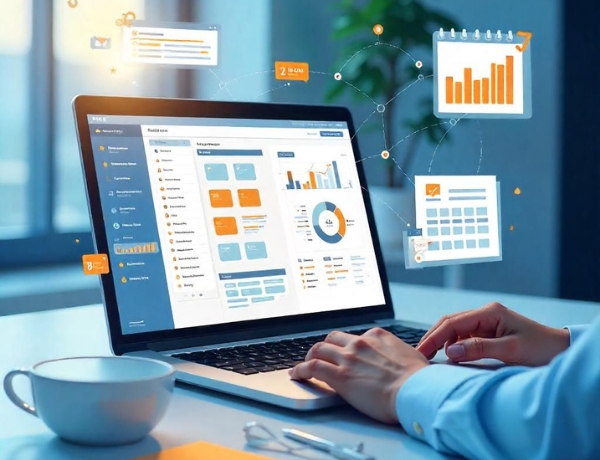 Digital Transformation
Reimagine how your business works.
Digital Transformation
Reimagine how your business works.
 Communication
Connect your teams and customers.
Communication
Connect your teams and customers.
 Cloud Solutions
Scale on infrastructure that grows with you.
Cloud Solutions
Scale on infrastructure that grows with you.
 Cyber Security
Protect what matters most.
Cyber Security
Protect what matters most.
 ERP Solutions
Run your whole business on one system.
ERP Solutions
Run your whole business on one system.
 E-Governance
Citizen services, digitised.
E-Governance
Citizen services, digitised.
Tell us where you are today and where you want to be. We’ll reply within one business day with a suggested first step.